
Contents
In small business structures, knowledge is often stored in specific people's heads rather than in well-documented systems. When a key employee decides to change roles or leave the company, they take with them a deep understanding of why a decision was made, who is responsible for follow-up actions, and what obstacles were previously discussed. This phenomenon creates a wide information gap for new team members who must take over those responsibilities.
The main issue is not merely the lack of meeting minutes, but the inability to quickly and accurately access historical context. Manual notes tend to be incomplete, subjective, or difficult to find when needed. As a result, new team members spend hours re-asking other colleagues, disrupting their productivity, and potentially repeating the same mistakes because they do not understand the background of past decisions.
Limitations of Traditional Documentation in Preserving Context
Conventional meeting recording methods typically rely on one person tasked with writing down key points. This approach has significant structural weaknesses. First, the note-taker must filter information in real-time, meaning many conversational nuances, reasons behind rejecting ideas, or specific technical details are lost due to typing speed limitations or attention focus. Second, meeting outcome documents are often stored in static file formats like PDF or Word scattered across various cloud drive folders.

When new team members try to find answers to specific questions, such as regarding a project deadline date or who owns a particular task from three months ago, they have to open multiple files and read through all their contents. This search process takes time and often ends in failure if the keywords used do not exactly match the terms written by the meeting note-taker. In dynamic environments where priorities change weekly, this static archiving method becomes a workflow hindrance rather than a support.
Mechanisms for Converting Conversations into Structured Data
Modern solutions to this problem involve using meeting intelligence technology capable of automatically and structurally converting audio to text. YOTEXT, as an example of a meeting intelligence application, works by recording tab audio directly from the user's browser via a Chrome or Edge extension. It is important to note that no bot joins the meeting as a participant. Recording is done entirely on the user's device side, thus keeping virtual space privacy intact during the session.
After the meeting ends, the system generates a complete transcript including every speaker's utterances. Speaker names are taken from captions or meeting participant data if available. If identities are unclear, the system uses neutral labels instead of guessing names, thereby avoiding attribution errors that could damage team trust. The final result is not just a pile of raw text, but a data structure ready to be processed into summaries, decision lists, and action items along with owners and deadlines if mentioned in the discussion.
Building a Searchable Collective Memory
The primary value of digital transcripts lies in their ability to serve as a searchable knowledge base. Meeting history is stored systematically, allowing team members to trace past conversations based on keywords, topics, or even speaker names. Imagine a new product manager wanting to understand why a certain feature was delayed six months ago. Instead of asking a senior developer who might be busy, they simply type the feature name into the YOTEXT meeting history search bar.
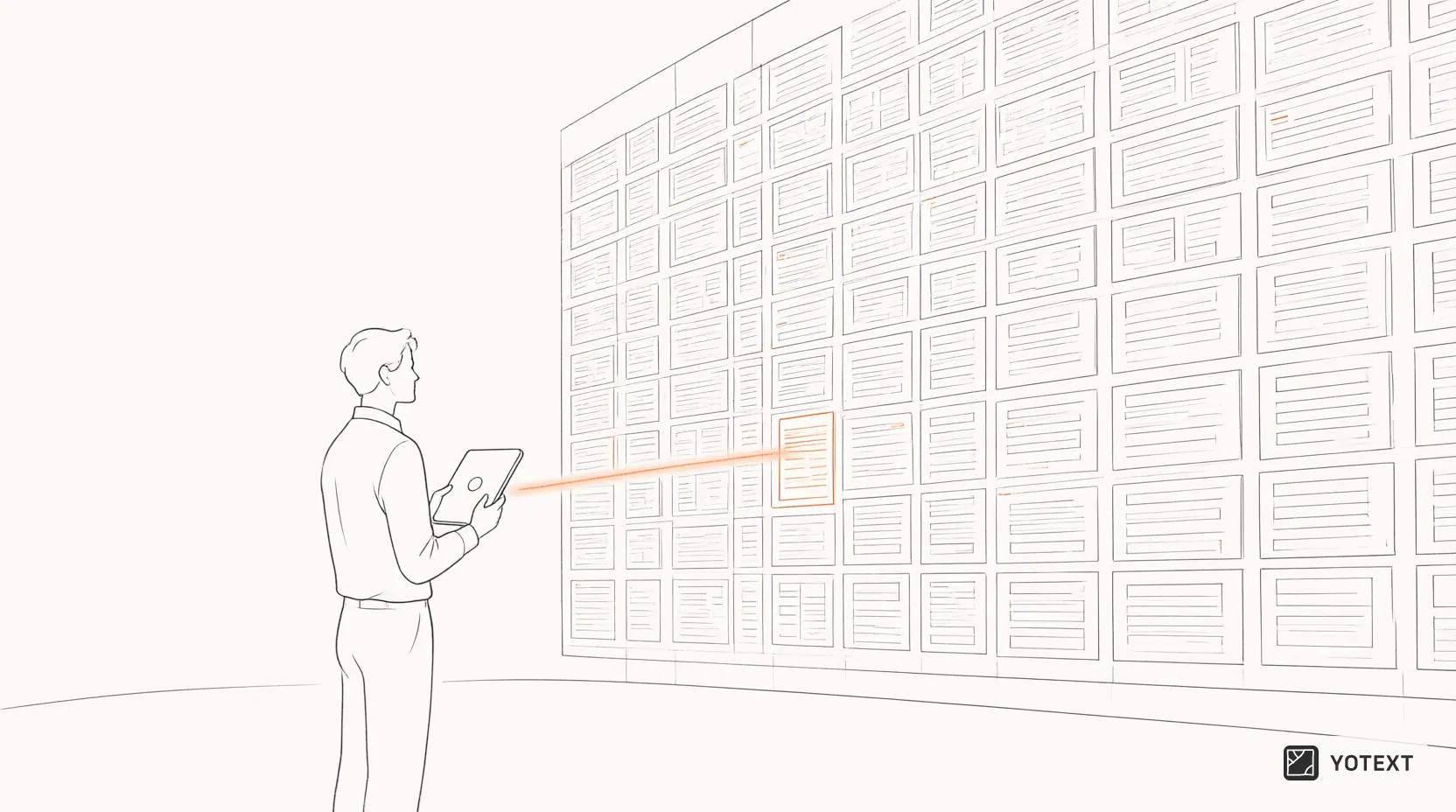
The system will display relevant transcript segments, complete with the conversation context before and after the statement. Q&A features also allow users to ask specific questions about the content of a particular meeting, such as 'What was the final decision regarding the marketing budget?' or 'Who is responsible for revising Client X's contract?'. This capability transforms meetings from mere temporary synchronization events into long-term intellectual assets that continuously provide value to the organization.
Accelerating New Team Member Onboarding
Orientation or onboarding is a critical moment when new team members absorb work culture, operational procedures, and interpersonal dynamics. Often, the hardest part of onboarding is understanding the 'why' behind the 'what'. Why must the design approval process go through two stages? Why was Vendor A chosen over Vendor B? These questions are rarely recorded in formal SOPs but live in the collective memory of the old team.
With access to the meeting database, new members can independently study the team's decision-making patterns. They can see how conflicts are resolved, how priorities are set, and the communication language used between departments. This reduces the burden of informal mentorship, which often hinders senior members' productivity. Additionally, since meeting results can be accessed from both computers and mobile phones, new members can engage in this learning flexibly, whether they are at the office or commuting.
Cross-Role and Cross-Project Task Accountability
One of the biggest challenges in managing small teams is tracking task status scattered across various meetings. A single team member might be involved in five different projects, each with weekly meetings generating dozens of action items. Without a centralized system, these tasks are easily forgotten or pile up in disorganized email inboxes.
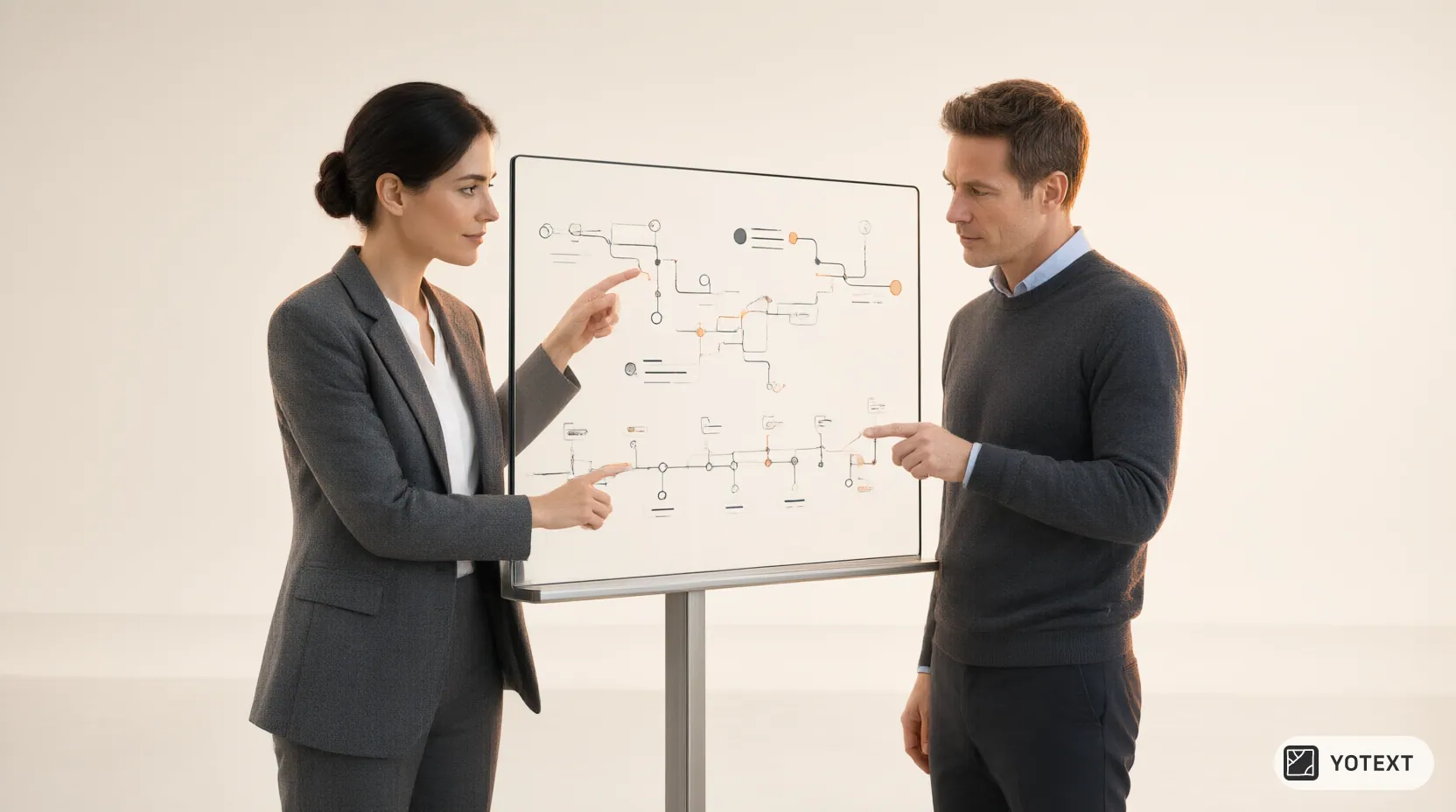
YOTEXT collects tasks from various meetings into a single integrated task list. Each action item is linked to an owner and deadline agreed upon during discussions. When role transitions occur, for example, when a graphic designer takes over some marketing responsibilities, they can view the history of tasks previously handled by their predecessor. This ensures work continuity and prevents duplicated efforts. This transparency also encourages accountability, as everyone can see the digital trail of their own and their colleagues' contributions.
Privacy and Data Security Considerations
Turning internal conversations into digital data naturally raises questions about security and privacy. Users need to understand the limitations of the technology they use. Currently, YOTEXT does not have SOC 2 or ISO 27001 certification, so organizations with very strict regulatory compliance needs may need to carefully evaluate this risk before broadly adopting the solution.
However, there are built-in control mechanisms that help maintain confidentiality. Private meetings are visible only to their owners, and meeting results can be shared as full transcripts or summaries only via links that can be revoked at any time. This gives users full control over who has access to sensitive information. Additionally, recordings are kept safe if the browser closes suddenly or the network disconnects, then can be resent, ensuring no data is lost due to momentary technical disruptions.
Multi-Device Collaboration and Identification Correction
In distributed or hybrid working teams, audio quality is often a major obstacle to transcription accuracy. YOTEXT offers a unique correction mechanism where if several participants in the same meeting use YOTEXT, each person's speech can be corrected using the recording from their own microphone. This feature improves speaker identification precision and content accuracy, especially in sessions with many interruptions or background noise.
The application is available in Indonesian, English, and Mandarin, facilitating multinational or cross-cultural teams. Recording is done via extension on the computer, but the final output—transcripts, summaries, and tasks—can be accessed from mobile phones. This flexibility allows team members to review important decisions or update task statuses while on the move, ensuring that the knowledge base remains alive and relevant even as physical activity changes location.
Conclusion
Transforming meeting transcripts into a centralized knowledge base is a strategic step for small businesses wanting to survive human resource volatility. By leveraging tools like YOTEXT, organizations can free themselves from dependence on individual memory and build a more robust foundation of accountability. New team members can join with greater confidence because they have access to rich historical context, while existing members can focus on innovation rather than repeating basic explanations.
The decision to adopt meeting intelligence technology must be accompanied by clear data governance policies. Although search features and link sharing offer exceptional efficiency, awareness of current security certification limitations remains necessary. Ultimately, the true value of meeting documentation lies not in the volume of text generated, but in the team's ability to learn from the past and move forward with a shared clarity of purpose.